Introduction
Finding out your firm has been hacked is every accountant’s nightmare. Client tax returns, bank details, and Social Security numbers may be exposed — and every hour you wait makes it worse.
This guide is the plan to follow in the first 24 hours. Print it, keep it with your WISP, and hope you never need it. If you do need it, you will be glad it was written in advance, when nobody was panicking.
First: do not panic, do act fast
Speed matters more than perfection. You do not need to know exactly what happened before you start containing it. The first hour is about stopping the damage from spreading.
Hour 0–1: contain it
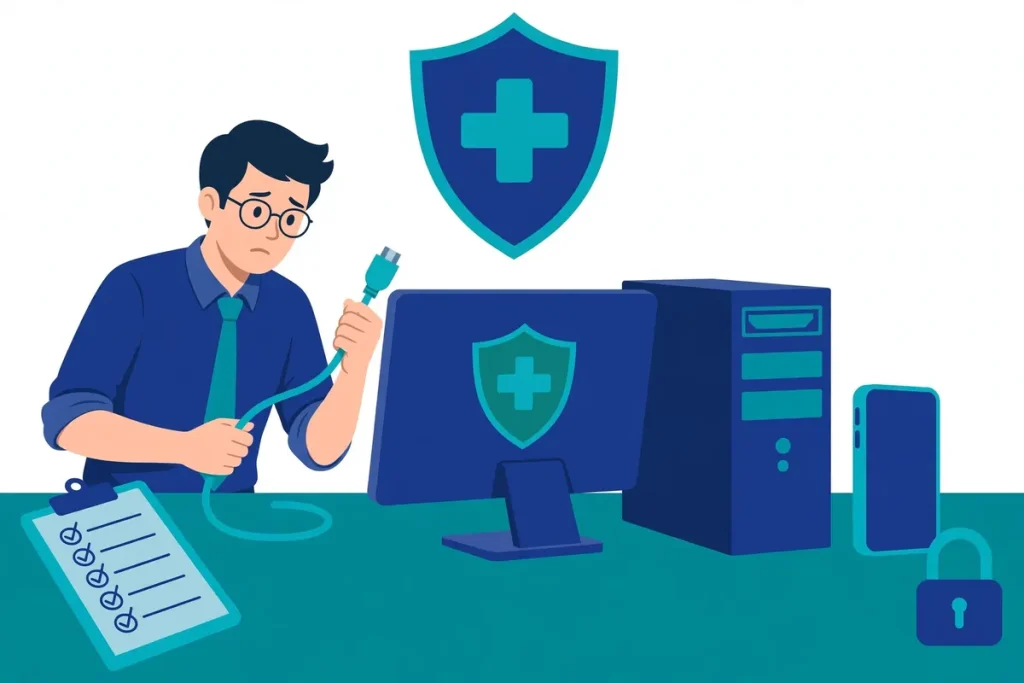
- Disconnect affected computers from the network — unplug the network cable or turn off Wi-Fi. If you cannot tell which machines are affected, disconnect the ones showing symptoms first.
- Do not turn computers off and do not delete anything — turning a machine off can destroy evidence, and deleting files can make recovery harder. Disconnect, leave it running, and call for help.
- Stop the spread — if ransomware is encrypting files, disconnect shared drives and turn off Wi-Fi for the whole office until you know the extent.
- Tell your security coordinator (the person named in your WISP) immediately, and call your IT support.
- Report to the IRS — tax preparers who suffer a data breach must contact the IRS Stakeholder Liaison for their area and follow the IRS guidance for preparer data breaches. The IRS will tell you what information they need and what to do about affected returns. Do not wait to see whether fraudulent returns are filed.
Hour 1–4: assess and protect accounts
- Change passwords from a clean device — use a computer you know is not affected. Start with email (the key to everything), then tax software, QuickBooks, cloud storage, and banking. Turn on MFA wherever it was off.
- Check the obvious damage — look at sent email, email forwarding rules (attackers often set up a rule to forward your mail to themselves), recent logins, and the audit log in QuickBooks and your tax software.
- Call your cyber insurer if you have one — do this early, before you make decisions they need to approve. Your policy may require you to notify them within a set time.
- Preserve evidence — keep notes of everything: when you found it, what you saw, what you disconnected, and what you changed. Take photos of ransom notes or suspicious screens. You will need this for the IRS, your insurer, and any investigation.
Hour 4–24: report and notify
- Notify affected clients — as required by your state’s breach notification law. Be honest, be specific about what was exposed and what you are doing, and tell them what they should do (for example, placing a fraud alert or credit freeze). Clients forgive a breach handled well far more readily than a breach hidden.
- Notify your service providers if their systems may be involved — for example, your cloud storage or IT support provider.
- Consider law enforcement — for significant breaches, a report to the FBI’s Internet Crime Complaint Center (IC3) creates a record and may help an investigation.
If client data is stolen, report it in this order:
- IRS Stakeholder Liaison — immediately. Tax preparers who suffer a data theft must contact the IRS Stakeholder Liaison for their area and report the incident. (IRS: Data theft information for tax professionals)
- Your state tax agency. Notify the state tax agency (or agencies) where you file — find the contact through the Federation of Tax Administrators list linked on the IRS data-theft page above.
- FTC — within 30 days, if 500 or more consumers are affected. If the breach involves the unauthorized acquisition of unencrypted information of at least 500 consumers, notify the FTC as soon as possible and no later than 30 days after discovery. (FTC Safeguards Rule guidance)
- Affected clients and your state attorney general — as required by your state’s breach-notification law.
Ransomware: should you pay?
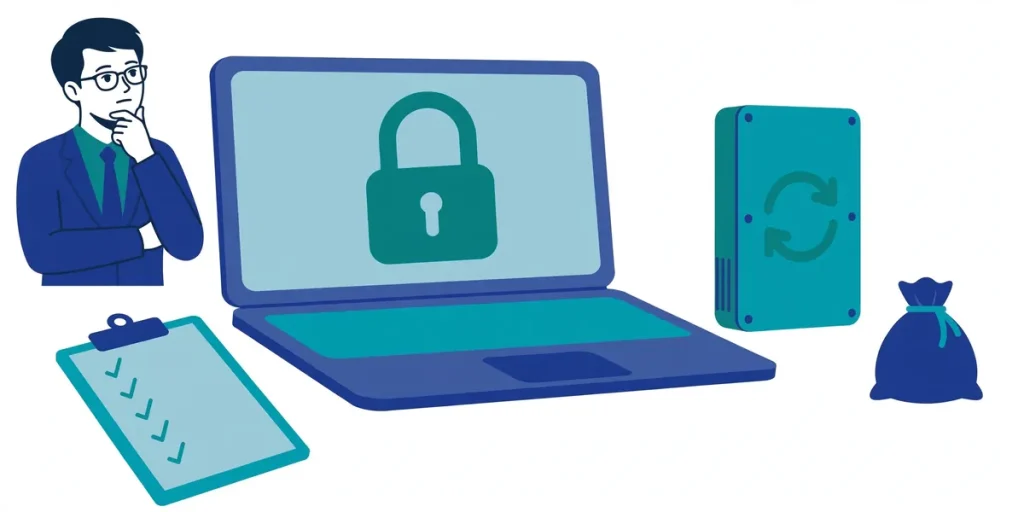
If ransomware encrypted your files:
- Do not pay first. Paying does not guarantee your data back, and it marks you as a firm that pays. Many firms that pay still do not get working decryption keys.
- Check your backups first. Find the most recent clean backup from before the attack and confirm it is not also encrypted. This is why an offline backup matters.
- Restore from the clean backup — wipe affected machines and restore, rather than trying to clean an infected system.
- Get professional help before deciding anything. Your IT support and insurer should be involved in the decision, not just you alone at midnight.
The recovery checklist (days 2–7)
- ☐ All affected machines wiped and rebuilt, or restored from clean backups
- ☐ All passwords changed, MFA on everywhere
- ☐ Email forwarding rules and account settings checked and cleaned
- ☐ Audit logs reviewed to establish what was accessed
- ☐ IRS notified and their instructions followed
- ☐ Affected clients notified as required by state law
- ☐ Insurer kept informed throughout
- ☐ The entry point found and closed — how did the attacker get in? (Phishing email? Weak password? Unpatched software?) Fix it, or it will happen again.
- ☐ WISP updated with what was learned
- ☐ Staff briefed on what happened and what changes
Common mistakes after a breach
- Hiding it from clients. Clients almost always find out — from the IRS, from fraudulent returns, or from each other. A hidden breach destroys trust far more than an honestly handled one.
- Deleting evidence. Wiping machines before anyone has looked at them destroys the information you need to know what was taken.
- Changing nothing. If you restore from backup but do not fix the entry point, the attacker will simply come back.
- Waiting to report. The IRS, your insurer, and your state may all have deadlines. Report early.
- Blaming the person who clicked. Phishing works on everyone. Focus on the fix, not the blame — or the next person will hide their click instead of reporting it.
Frequently asked questions
How do I know if client data was actually stolen?
You may not know immediately. The audit logs, email records, and your IT support’s investigation will establish it. Until you know, assume the worst for notification purposes and follow your state’s law and the IRS guidance.
Do I have to tell every client, or only affected ones?
Your state’s breach notification law sets the rule — usually, you must notify people whose personal information was, or is reasonably believed to have been, accessed. When in doubt, notify more broadly and consult a professional.
Will the IRS penalize me for being breached?
The IRS distinguishes between a firm that had a plan and was attacked anyway, and a firm that had no plan at all. Having a WISP, MFA, and a documented response helps enormously. Having nothing does not.
How long does recovery take?
With tested backups, days. Without them, weeks or months — and some firms never fully recover their data. This is why backups are tested before an incident, not during one.
Should we tell clients what happened in detail?
Be honest about what was exposed, what you are doing, and what they should do. You do not need to share technical details of the attack, but you must not mislead them about the risk to their data.
Conclusion
No firm is unhackable. The firms that survive a breach are the ones that had a plan before it happened: a WISP with a named coordinator, tested backups, MFA, and an incident response list that someone can follow at 2 a.m. without thinking.
If you have not written that plan yet, do it this week — starting with the first-hours list above. It is the cheapest insurance your firm will ever buy.
Disclaimer: This article is general information, not legal advice. Follow the current IRS guidance for tax preparer data breaches, your state’s notification law, and your insurer’s requirements, and consult a qualified professional for your firm’s specific situation.

Muhammad Waseem is the founder of Cybersecurity for Accountants. He researches IRS and FTC guidance and turns it into practical, plain-English checklists and guides to help small accounting and tax firms protect their clients’ data.