Introduction
Your staff are your firm’s biggest security risk — and its best defense. Most breaches start with a person: someone clicks a phishing link, reuses a password, or sends a file to the wrong address. Technology can reduce that risk, but only training changes behavior.
The good news: effective security training for a small accounting firm does not need a big budget or an outside consultant. It needs a short, regular, practical plan — and this guide gives you one.
Why training matters more for accounting firms
- Your staff handle sensitive data all day — Social Security numbers, bank details, tax returns. One mistake can expose hundreds of clients.
- Tax season creates pressure — tired, rushed staff under a deadline are exactly the people phishing targets. Training before tax season matters more than training during it.
- The FTC Safeguards Rule requires it — the rule expects firms to train staff on security, and your WISP should name the training you provide. A firm with no training record is a firm that cannot show compliance.
- One trained person stops an attack. One person who spots a phishing email and reports it protects the whole firm.
What to teach
1. Phishing — the core skill
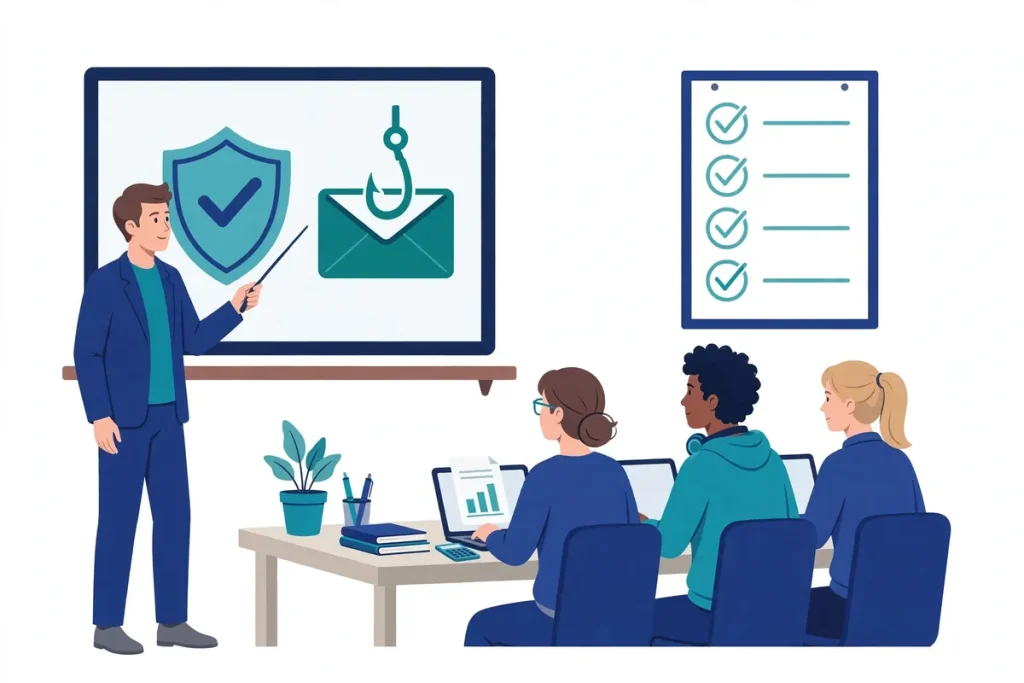
- What a phishing email looks like: urgency, unexpected attachments, links that do not match the sender, requests for passwords or bank details
- The rule: if you did not expect it, verify it — by phone, in person, or through a known channel, never by replying to the email
- What to do when you spot one: report it, do not click, do not forward it to colleagues
- What to do if you clicked: tell someone immediately. Speed matters more than embarrassment.
2. Passwords and MFA
- One unique password per account, stored in the firm’s password manager — never reused, never written on a sticky note
- MFA on every account, with an authenticator app
- Never share a password or MFA code, with anyone, for any reason — no legitimate service asks for them
3. Handling client data
- Client data only in approved systems — no personal email, no personal cloud storage, no USB drives taken home
- Lock your screen whenever you leave your desk
- Shred paper documents with client information; do not throw them away
- Verify the recipient before sending a file — autocomplete has sent many tax returns to the wrong person
4. Working from home and on the road
- Home Wi-Fi with a strong password, and a VPN if the firm provides one
- Never use public Wi-Fi for client work without a VPN
- Keep work on work devices where possible; if a personal device is used, it must have updates and antivirus on
5. Reporting — the habit that matters most
- Staff must know exactly who to tell when something looks wrong, and that reporting is always the right choice — never punished, never mocked
- A reported phishing email that turns out to be harmless costs nothing. An unreported click can cost the firm.
How to run the training
The annual session (60–90 minutes)
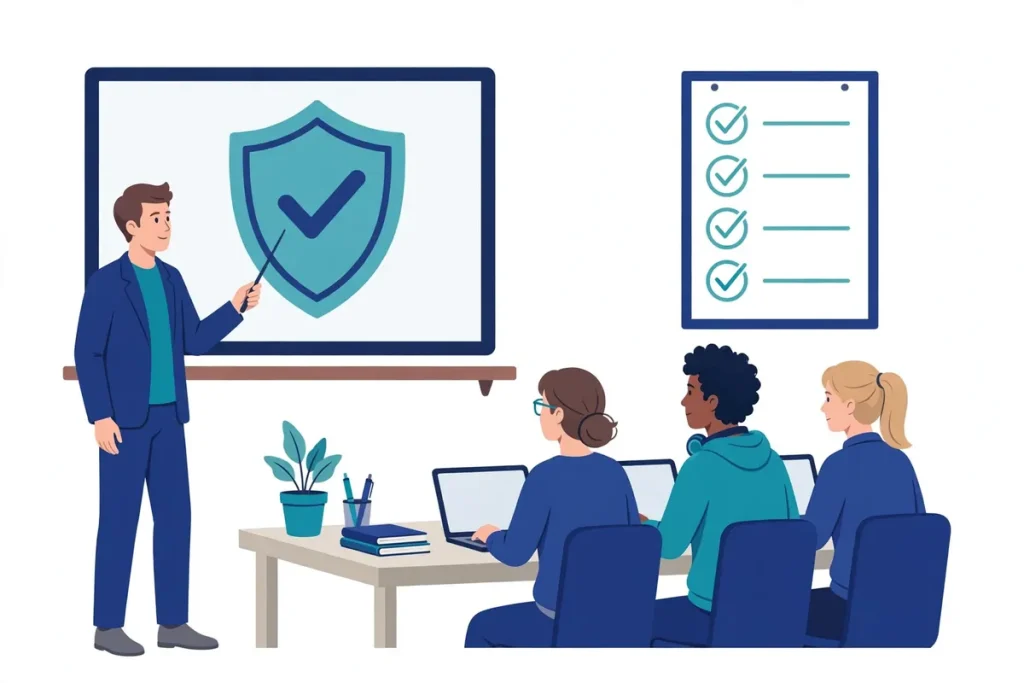
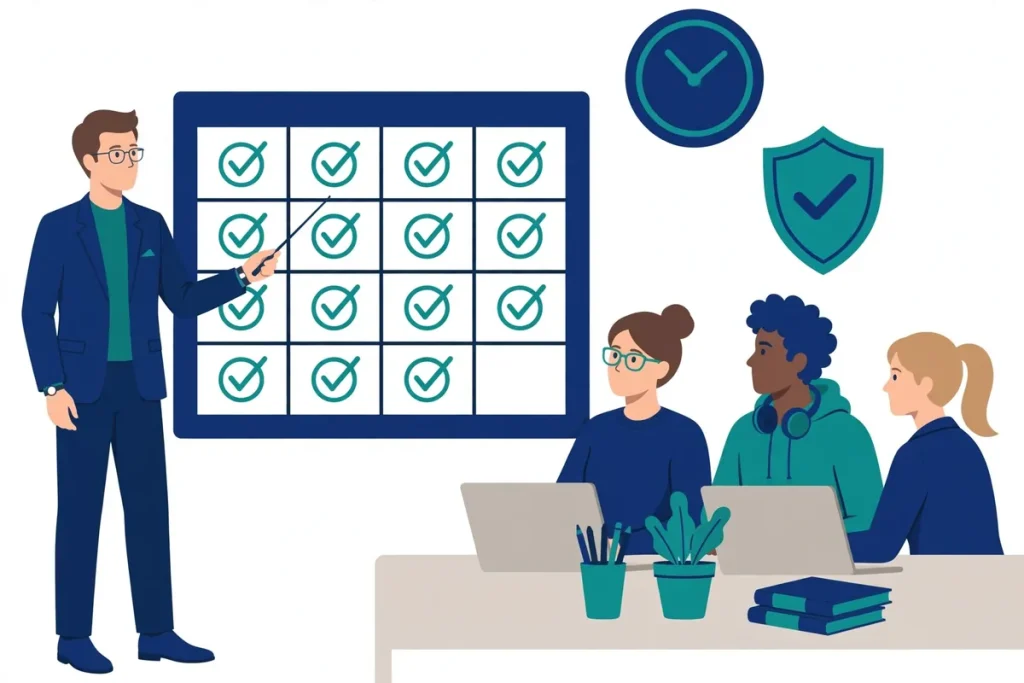
Once a year, the whole firm sits down together — owner included. Cover the five topics above with real examples from accounting firms, not generic slides. Use actual phishing emails (anonymized) your firm has received. End with a short quiz and a signed acknowledgement that goes into each person’s file — good evidence that the training happened (the FTC Safeguards Rule requires documented training, and a signed acknowledgement is a practical way to show it).
The quarterly refresher (15 minutes)
Four times a year, a short session on one topic: a new phishing trick, a password-manager tip, a reminder before tax season. Keep it short and practical. Fifteen focused minutes beats an hour nobody remembers.
Phishing simulations
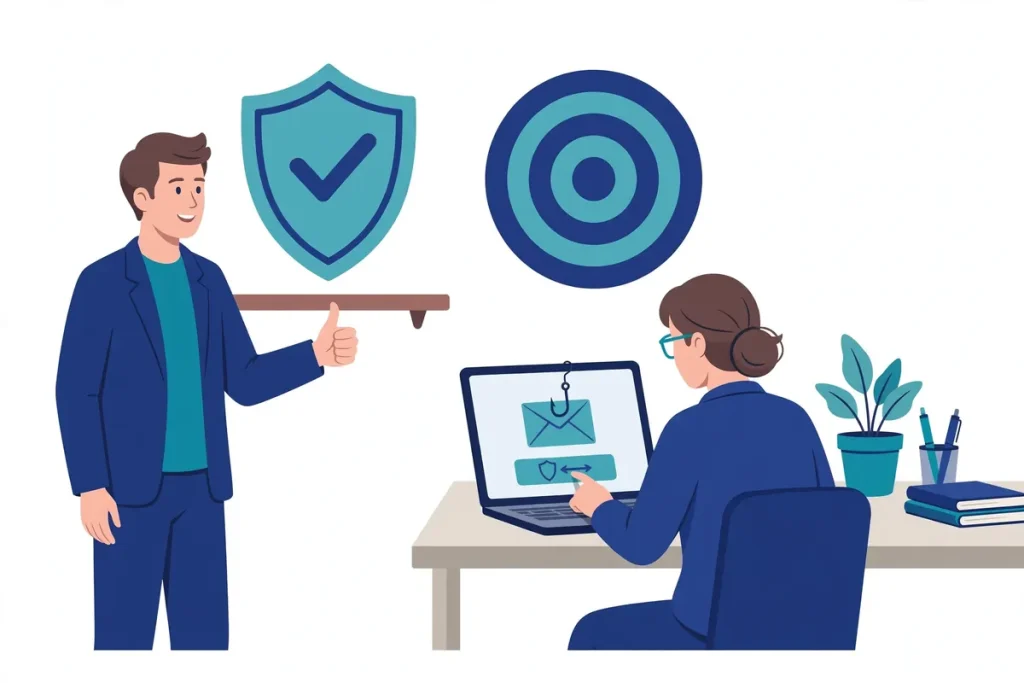
Send the team a fake phishing email every few months and see who clicks. This is the only way to know whether training is working. Keep it constructive: anyone who clicks gets a friendly reminder and a two-minute refresher, not a punishment. Track the click rate over time — it should fall steadily.
New starter training (first week)
Every new hire gets security training in their first week, before they are given access to client data. Cover passwords, MFA, phishing, and client data handling — and give them the firm’s password manager and MFA set up on day one.
Before tax season (January)
A dedicated refresher every January, before the pressure starts: phishing, password hygiene, and the rule about verifying bank changes by phone. Tax season is when attackers strike hardest, so train before it, not during it.
A simple annual training plan
| When | What | How long |
|---|---|---|
| First week of a new hire | Onboarding security training | 30 minutes |
| January (before tax season) | Tax-season refresher | 30 minutes |
| Quarterly | One-topic refresher | 15 minutes |
| Annually | Full team training + quiz + sign-off | 60–90 minutes |
| Every few months | Phishing simulation | Ongoing |
Making training stick
- Keep it short and specific. Generic security advice is forgotten. A real phishing email your firm received is remembered.
- Lead from the top. If the owner skips training or reuses passwords, staff will too.
- Make it easy to do the right thing. A password manager, MFA set up for everyone, and a single person to report to — remove the friction, and good behavior follows.
- Praise reporting. When someone reports a phishing email, thank them publicly. The next person will report too.
- Record it. Keep a simple log: date, topic, attendees, and the signed acknowledgement. It is your evidence of compliance and your proof that the firm takes security seriously.
Frequently asked questions
Do we need to hire a training company?
No, for most small firms. The plan above can be run by the firm’s security coordinator with free resources — for example, the IRS’s tax professional security guidance and the FTC’s materials. If you want phishing simulations, affordable tools exist, but even a manually sent test email works.
How do we train staff who are not technical?
Use plain language and real examples, not jargon. Show, do not lecture: a phishing email on screen, a password manager in action. Nobody needs to understand cryptography to spot a fake invoice.
What if someone keeps clicking phishing simulations?
Give them extra one-to-one help, not punishment. Some people need more practice, and a supportive approach gets better results than a warning. If the problem persists, consider limiting their access to sensitive systems until the behavior improves.
Is training really required, or just good practice?
Both. The FTC Safeguards Rule requires firms to train staff, and the IRS expects tax preparers to have a security plan that includes training. Beyond compliance, it is the cheapest defense your firm has.
Conclusion
Technology can block many attacks, but it cannot stop a person from clicking a convincing email or sending a file to the wrong address. Only training does that — short, regular, practical training, led from the top and recorded properly.
Start with the January refresher and the new-hire checklist. In a year, your firm’s click rate will be lower, your reporting rate will be higher, and your clients’ data will be safer — and you will have the records to prove it.
Disclaimer: This article is general information, not legal advice. The FTC Safeguards Rule and IRS guidance set the training expectations for accounting firms — consult a qualified professional for your firm’s specific obligations.

Muhammad Waseem is the founder of Cybersecurity for Accountants. He researches IRS and FTC guidance and turns it into practical, plain-English checklists and guides to help small accounting and tax firms protect their clients’ data.