Introduction
An accounting firm runs on passwords: email, tax software, QuickBooks, client portals, banking, cloud storage. If those passwords live in spreadsheets, shared documents, or people’s heads, they will be weak, reused, and impossible to revoke when someone leaves.
A business password manager fixes all three problems at once. This guide compares the four best options for accounting firms in 2026 — what they cost, what they do, and which one fits a firm your size.
Disclosure: This post contains affiliate links. If you buy through them, we may earn a commission at no extra cost to you.
What an accounting firm needs from a password manager
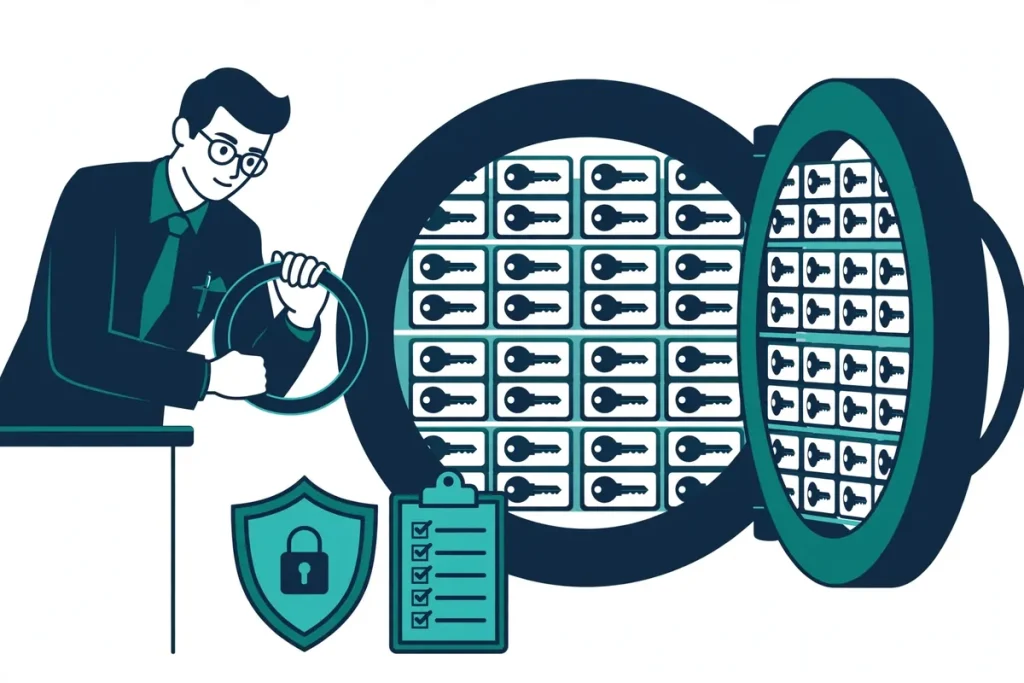
- Shared vaults with permissions — the tax team sees tax software logins; the admin team sees banking; nobody sees everything
- Unique, generated passwords for every system, so one breach does not compromise the rest
- Admin controls — add and remove staff in minutes, revoke access the day someone leaves, see who has weak or reused passwords
- MFA support — the manager itself protected by multi-factor authentication, and ideally able to store authenticator codes
- Secure sharing — share a login with a colleague or a client without sending the password itself
- Audit and reporting — a dashboard showing weak, reused, and old passwords across the firm
- Works everywhere — Windows, Mac, phone, and browser, so staff actually use it
The comparison
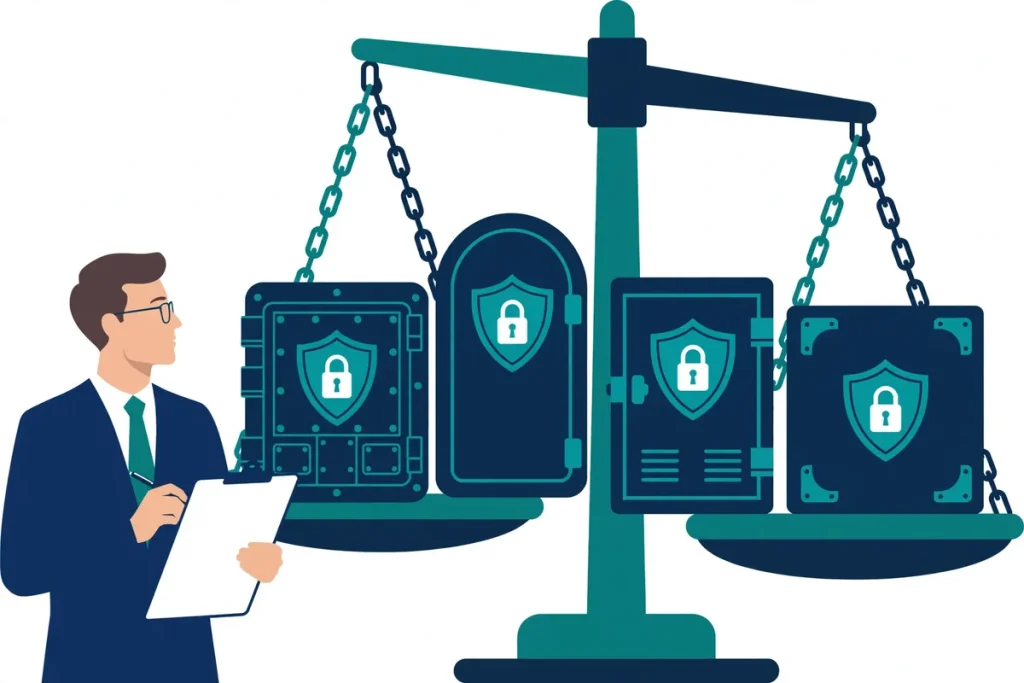
1. 1Password Business — best overall for most firms
- Why firms like it: the cleanest shared-vault system, excellent admin controls, and Watchtower reporting that flags weak and reused passwords
- Business features: unlimited shared vaults, admin console, guest sharing for clients, item-level permissions, activity reports, SCIM provisioning on higher plans
- MFA: authenticator app, security keys, and built-in one-time codes
- Best for: firms of 5–50 people that want the most polished experience and the easiest onboarding
- Watch out for: the best admin features sit on the Business plan, not the cheapest Teams plan — check which plan you need before buying
2. Bitwarden — best value, and a major open-source option
- Why firms like it: full business features at a low price — tied with Keeper at $4/user/month, and the code is open source, which many security-minded firms prefer. Proton Pass is another open-source option.
- Business features: shared collections, admin console, user groups, event logs, emergency access, self-hosting option for firms that want it
- MFA: authenticator app, security keys, and built-in authenticator
- Best for: small firms and solo preparers on a tight budget, and firms that want to self-host
- Watch out for: the interface is less polished than 1Password, and onboarding takes a little more patience
3. Dashlane Omnix Password Management — best built-in VPN and breach monitoring
- Why firms like it: strong breach monitoring and a built-in VPN, plus a very simple interface that non-technical staff pick up quickly
- Business features: shared vaults, admin console, employee onboarding, breach alerts, dark-web monitoring
- MFA: authenticator app and security keys
- Best for: firms that want monitoring and VPN bundled in, and teams that need the simplest possible setup
- Watch out for: the old Dashlane Business plan is no longer sold — the business product is now Omnix Password Management at $8/user/mont
4. Keeper Business — best admin controls for regulated firms
- Why firms like it: granular admin controls, detailed audit logs, and compliance reporting that regulated firms appreciate
- Business features: role-based permissions, shared folders, admin console, breach watch, secure file storage, privileged access management add-ons
- MFA: authenticator app, security keys, and built-in authenticator
- Best for: larger firms and firms that need detailed compliance reporting
- Watch out for: some features are add-ons, so the final price depends on what you switch on
Quick comparison table
| Manager | Best for | Standout feature | Rough business price |
|---|---|---|---|
| 1Password Business | Most firms | Shared vaults + Watchtower | ≈$108/user/yr ($8.99/user/mo, billed annually) |
| Bitwarden | Budget / open source | Joint-lowest price ($4/user/month, tied with Keeper), self-host option | ≈$48/user/yr ($4/user/mo, billed annually) |
| Dashlane Omnix Password Management | Simplicity + monitoring | Breach alerts + VPN | ≈$96/user/yr ($8/user/mo, billed annually) |
| Keeper Business | Admin control / compliance | Audit logs + granular roles | ≈$48/user/yr ($4/user/mo, billed annually) |
Note: 1Password Business is now the most expensive of the four at $8.99/user/month.
Prices change often — verify the current business plan price on each vendor’s site before you buy.
How to switch without chaos
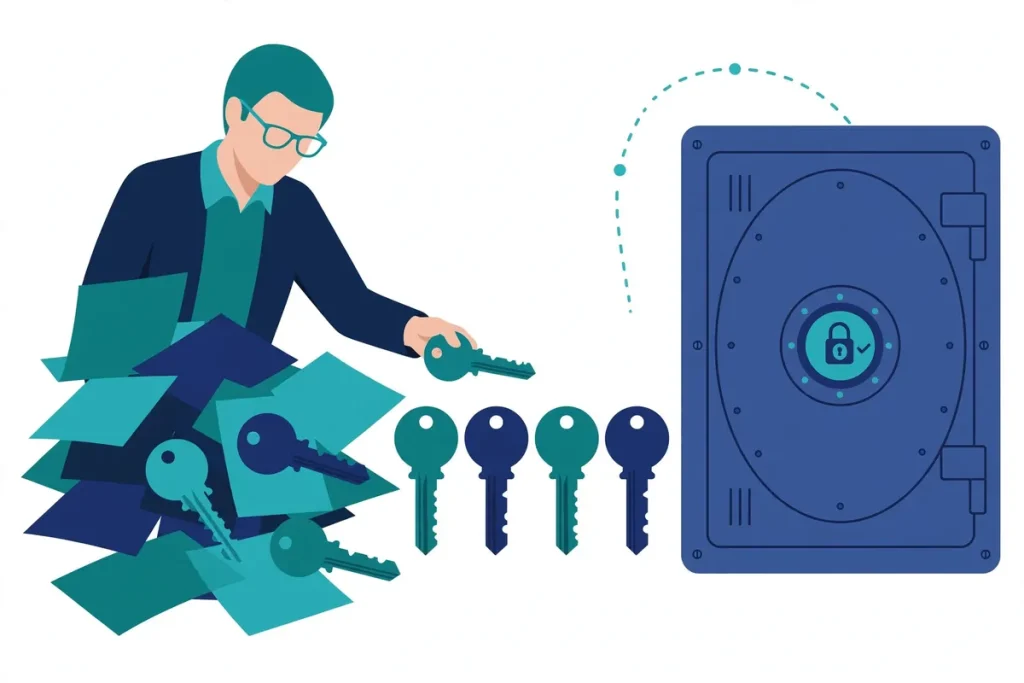
- Pick one manager for the whole firm — two managers is worse than one
- Start with the owner and admins — set up the admin console, the shared vault structure, and MFA on the manager itself
- Import in batches — email and tax software first, then QuickBooks, cloud storage, and client portals; delete the old spreadsheet as each batch moves over
- Generate new passwords as you go — do not import weak or reused passwords and keep them; replace them with generated ones during the move
- Remove access on exit day — make revoking access part of your leaver checklist, next to returning the laptop
- Run the weak-password report monthly — the manager will show you exactly what still needs fixing
Frequently asked questions
Is it safe to put all our passwords in one place?
Yes — that is the point. A password manager encrypts everything with a master password only you know, and it means no password is ever reused, written down, or emailed. The alternative — spreadsheets and memory — is far less safe.
What happens if we forget the master password?
Most business plans offer account recovery through an admin or emergency access. Set that up on day one, and store the recovery information somewhere safe — not in the manager itself.
Can clients use it too?
Most business plans let you share individual items with guests outside the firm — useful for sharing a portal login with a client without emailing the password.
Do we still need MFA if we have a password manager?
Yes. The manager holds the keys to everything, so protect it with MFA, and keep MFA on the individual systems too. The two work together.
Which one should a solo preparer choose?
Bitwarden’s free or low-cost plan covers a solo preparer well. If you grow into a team, 1Password Business is the easiest step up.
Sources: 1Password Business, Bitwarden Business.
Conclusion
For most accounting firms, 1Password Business is the safest recommendation: the best balance of shared vaults, admin controls, and ease of use. If budget is the priority, Bitwarden gives you nearly everything for far less. Either is a vast improvement over spreadsheets — the worst choice is to keep doing nothing.
Pick one this week, move your logins over in batches, and turn on MFA on the manager itself. Your firm’s passwords will be stronger on day one than they have ever been.
Disclaimer: This article is general information, not legal advice, and pricing is approximate — verify current business pricing on each vendor’s website before purchasing.

Muhammad Waseem is the founder of Cybersecurity for Accountants. He researches IRS and FTC guidance and turns it into practical, plain-English checklists and guides to help small accounting and tax firms protect their clients’ data.