Introduction
Tax season is the busiest — and the most dangerous — time of year for an accounting firm. You are handling more client data than ever, working longer hours, opening more attachments, and answering more emails. Attackers know this, and they time their phishing campaigns, fake IRS emails, and refund fraud to match.
This checklist is designed to be worked through in the two weeks before tax season starts. Do it once, and your firm will be far harder to attack when the pressure is highest.
Try our free WISP Builder — build your Written Information Security Plan in minutes.
The 2-week pre-season plan
Week 1: lock the doors
- ☐ Turn on MFA everywhere — email, tax software, QuickBooks Online, cloud storage, remote access. No exceptions, including the owner.
- ☐ Password check — every staff member’s passwords are unique and stored in the business password manager. No shared logins, no passwords in spreadsheets or email.
- ☐ Updates — automatic updates on for Windows/macOS, browsers, tax software, and QuickBooks on every work computer. Patch anything that is behind.
- ☐ Antivirus and firewall — confirm they are installed, running, and current on every machine, including laptops staff take home.
- ☐ Encryption — full-disk encryption on for all laptops (BitLocker / FileVault). Check it, do not assume it.
- ☐ Access review — list who can access what. Remove access for anyone who left, and remove access nobody needs any more.
Week 2: prepare people and processes
- ☐ Phishing refresher (30 minutes) — show the team real examples: fake IRS emails, fake client emails, fake software update messages. The rule: check the sender’s real address, hover over links, never open unexpected attachments — even from a known client.
- ☐ Client portal ready — make sure clients can upload documents through the secure portal, and tell them in advance: “We will never ask you to send tax documents by plain email.”
- ☐ Email security — SPF, DKIM, and DMARC configured for the firm’s domain, so criminals cannot send fake emails in your name.
- ☐ Backup test — do a full test restore now, before the season. If it fails, you still have time to fix it.
- ☐ Incident plan on the wall — print the first-steps list (disconnect, do not delete, change passwords from a clean device, call IT support and insurer, notify IRS and clients as required) and put the phone numbers where everyone can find them.
- ☐ WISP check — confirm your Written Information Security Plan is current and names the right security coordinator.
During tax season: daily habits
- Start the day with updates. If a computer asks to restart for an update, let it — do not keep postponing it until April.
- Verify unusual requests. A client asking to change their bank details by email? A colleague asking for a password? Call them back on a known number before acting.
- Lock screens. Every time you leave your desk, lock your computer. Client data on an unlocked screen is an open invitation.
- No personal browsing on work machines. Personal email, downloads, and streaming on a work computer are how malware gets in.
- End-of-day backup check. Confirm the day’s backup ran. It takes thirty seconds.
The most common tax-season attacks
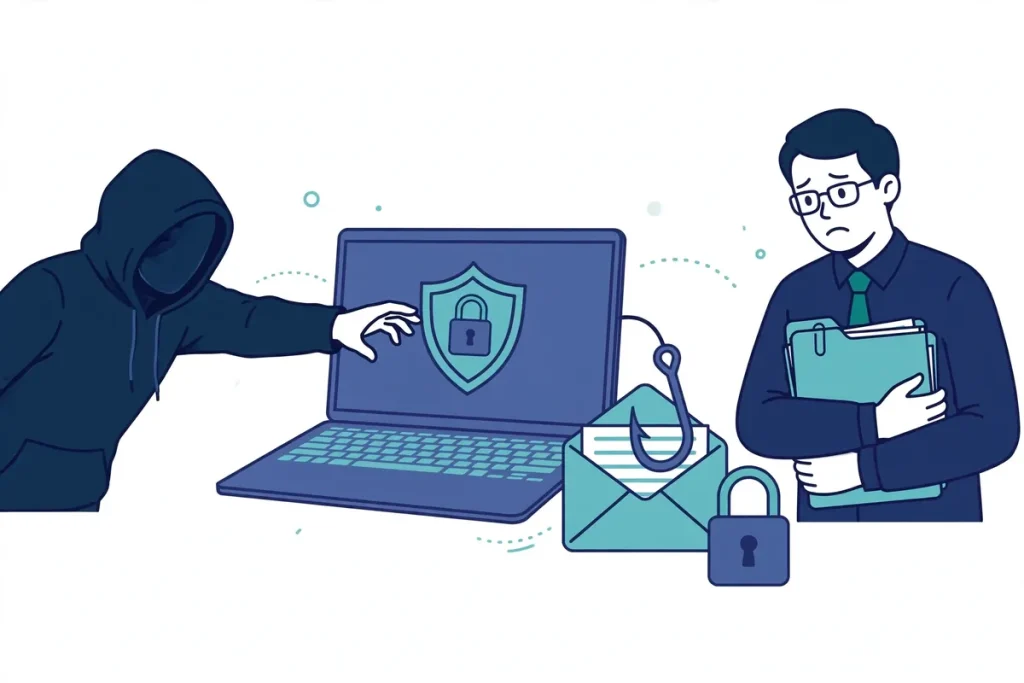
1. Phishing emails impersonating the IRS
The IRS does not email taxpayers or preparers to demand payment or threaten arrest. Any email claiming to be from the IRS that asks you to click a link or open an attachment is fake. Report it and delete it. Report phishing emails to the IRS at phishing@irs.gov.
2. Fake client emails
A client’s email account gets hijacked, and “the client” sends you a new bank account for their refund, or a document to open. Always verify changes to bank details or sensitive instructions by phone, on a number you already have — never the number in the suspicious email.
3. Tax software and e-file scams
Fake update messages for tax software, fake e-file confirmation pages, and fake preparer portals. Only download software updates from the vendor’s own site or app, never from a link in an email.
4. Ransomware
Often delivered by a phishing attachment. Once it runs, it encrypts your client files and demands payment. Your defense is the backup you tested before the season, plus MFA and updates that stop the attack getting in at all.
5. Business email compromise
A criminal impersonates the firm owner or a senior partner and emails a junior staff member asking for client data or a payment. The defense is simple: any unusual financial or data request gets verified by a second channel — a phone call, not a reply email.
What to tell your clients
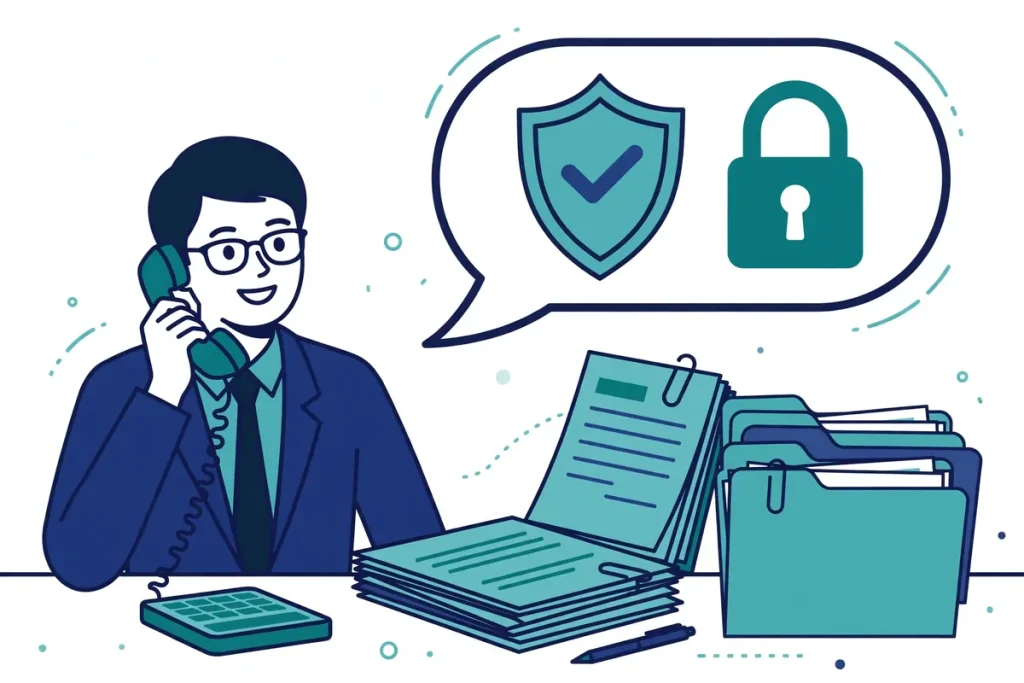
Send clients a short message before the season:
- Upload documents only through our secure portal, not by plain email
- We will never ask for your password, bank login, or full Social Security number by email or text
- If you get an email claiming to be from us that looks odd, call us on our published number before clicking anything
- If you receive a suspicious “IRS” email or call, tell us — do not pay anything or share information
Clients who know what to expect are much harder to trick, and they protect your firm too.
After tax season: close the loop
- ☐ Review what went wrong — any phishing attempts, any near-misses, any systems that caused trouble
- ☐ Update your WISP with what you learned
- ☐ Change any passwords that were shared during the season rush
- ☐ Review access again and remove anything temporary
- ☐ Confirm backups are still running and do another test restore
- ☐ File the season’s incident notes (even if nothing happened — “no incidents” is a useful record)
Frequently asked questions
When should we start preparing?
Two weeks before the season is enough for the checklist above. If you have never done it, start four weeks out — the first time always takes longer.
Do we need to buy new software for tax season?
Usually not. MFA, updates, encryption, and a password manager cover most of the risk, and most of those are free or cheap. Spend money only after the basics are done.
What if a staff member clicks a phishing link during the season?
Do not blame them — report it fast. Disconnect the computer, change the password from a clean device, turn on MFA if it was off, and tell your IT support. Speed matters far more than blame.
Should we warn clients about IRS scams?
Yes. A one-paragraph warning in your pre-season email costs nothing and stops a whole class of fraud.
Sources: IRS Publication 4557, Safeguarding Taxpayer Data, IRS: Data theft information for tax professionals.
Conclusion
Tax season security is not about heroics. It is about doing the boring basics before the rush starts — MFA, passwords, updates, encryption, a tested backup, and a team that knows what phishing looks like.
Work through this checklist once, and the busiest weeks of your year become the safest ones too.
Try our free WISP Builder — build your Written Information Security Plan in minutes.
Disclaimer: This article is general information, not legal advice. Check the current IRS guidance for tax preparers and consult a qualified professional for your firm’s specific obligations.

Muhammad Waseem is the founder of Cybersecurity for Accountants. He researches IRS and FTC guidance and turns it into practical, plain-English checklists and guides to help small accounting and tax firms protect their clients’ data.