Try our free WISP Builder – build your Written Information Security Plan in minutes.
Introduction
Accounting firms hold exactly what criminals want: Social Security numbers, bank details, tax returns, payroll records, and business financials — for hundreds of clients, in one place.
A single breach can mean stolen client refunds, fraudulent tax returns filed in your clients’ names, regulatory trouble, and a reputation that takes years to rebuild. The good news: most attacks on small firms are not sophisticated. They use the same few tricks — phishing emails, weak passwords, unpatched software, and stolen credentials — and every one of them can be blocked with practical, low-cost steps.
This guide walks through what an accounting firm actually needs to do in 2026: the rules you must follow, the controls that matter most, and a checklist you can work through this week.
Why accounting firms are a prime target
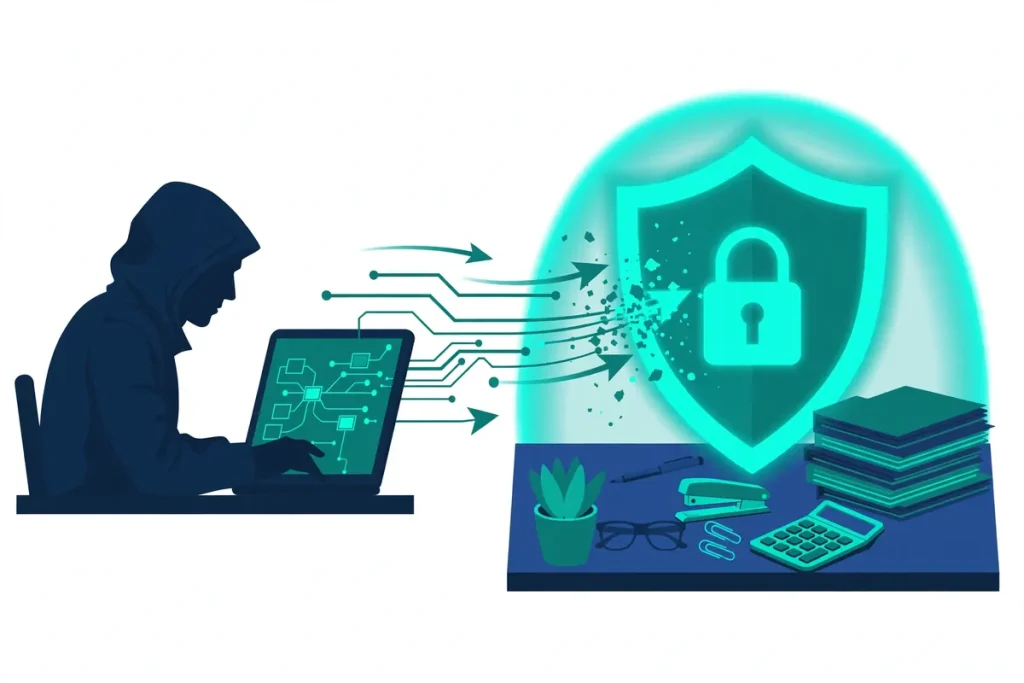
- High-value data in one place. A tax preparer’s files contain everything needed for identity theft and tax-refund fraud.
- Seasonal pressure. During tax season, staff open attachments quickly and click links under deadline pressure — exactly when phishing works best.
- Small teams, big responsibility. Most firms have fewer than 20 people and no dedicated IT staff, yet they face the same threats as large firms.
- Real consequences. The IRS requires tax preparers to protect taxpayer data, and the FTC Safeguards Rule applies to financial institutions, which includes many tax preparation and accounting businesses.
The rules you must follow
1. IRS Publication 4557 — Safeguarding Taxpayer Data
The IRS expects every tax preparer to have a data security plan. Publication 4557 sets out the basics: secure your systems, control who can access client data, train your staff, and have a plan for responding to a breach. It also points to the requirement for a Written Information Security Plan (WISP).
2. Your Written Information Security Plan (WISP)
A WISP is a written document that names the person responsible for security in your firm, lists the risks to client data, and describes the safeguards you use. It is not a form you buy once and forget — it should reflect how your firm actually works. Our step-by-step WISP guide The FTC Safeguards Rule requires financial institutions — including many accounting and tax preparation firms — to develop, implement, and maintain an information security program. Key requirements include designating a qualified person to oversee the program, conducting risk assessments, implementing access controls and encryption, and overseeing service providers. Most US states require you to notify affected clients if their personal information is exposed. Know your state’s rule before you need it — not after a breach. MFA is the single most effective control a small firm can turn on. Require it for email, QuickBooks Online, your tax software, cloud storage, and remote access. Use an authenticator app rather than SMS codes where possible. Stop sharing passwords in spreadsheets, emails, and sticky notes. A business password manager gives every staff member a unique, strong password for every system, and lets you revoke access instantly when someone leaves. See our comparison of the best password managers for accounting firms. Most breaches start with one convincing email. Train staff to check the sender’s real address, hover over links before clicking, and never open unexpected attachments — even from a known client, because client accounts get hijacked too. Run a short refresher before every tax season. Turn on automatic updates for Windows/macOS, browsers, tax software, and QuickBooks. Attackers exploit known flaws within days of disclosure; an unpatched system is an open door. Use encrypted email or a secure client portal for sending and receiving tax documents — never plain email attachments for sensitive files. Full-disk encryption (BitLocker on Windows, FileVault on Mac) protects data if a laptop is lost or stolen. Follow the 3-2-1 rule: three copies of your data, on two different types of media, with one copy offsite. More important than the backup itself: test restoring from it at least once a quarter. A backup you have never restored is a hope, not a plan. Not everyone needs access to every client file. Give staff access only to the clients and systems their job requires, remove access promptly when roles change, and review permissions at least once a year. These three records stop criminals from sending fake emails that look like they came from your firm — the setup for business email compromise. They take an afternoon to configure and protect both your firm and your clients. If client data is stolen, report it in this order: Do small accounting firms really need all of this? How much does this cost? What is a WISP, and do I need one? Is antivirus enough? What should I do first if I can only do one thing today? Cybersecurity for an accounting firm is not about buying the most expensive tools. It is about doing the basics consistently: MFA everywhere, unique passwords, updated software, tested backups, trained staff, and a written plan. Work through the checklist above, then read the rest of this series — the WISP template, the IRS requirements in detail, the FTC Safeguards Rule explained, and our tool comparisons — and your firm will be far ahead of most firms your size. Disclaimer: This article is general information for accounting firms, not legal advice. Check the current IRS and FTC guidance and consult a qualified professional for your firm’s specific obligations. Try our free WISP Builder – build your Written Information Security Plan in minutes, free for accounting firms. Muhammad Waseem is the founder of Cybersecurity for Accountants. He researches IRS and FTC guidance and turns it into practical, plain-English checklists and guides to help small accounting and tax firms protect their clients’ data.3. The FTC Safeguards Rule (16 CFR Part 314)
4. State breach notification laws
The 8 controls that matter most
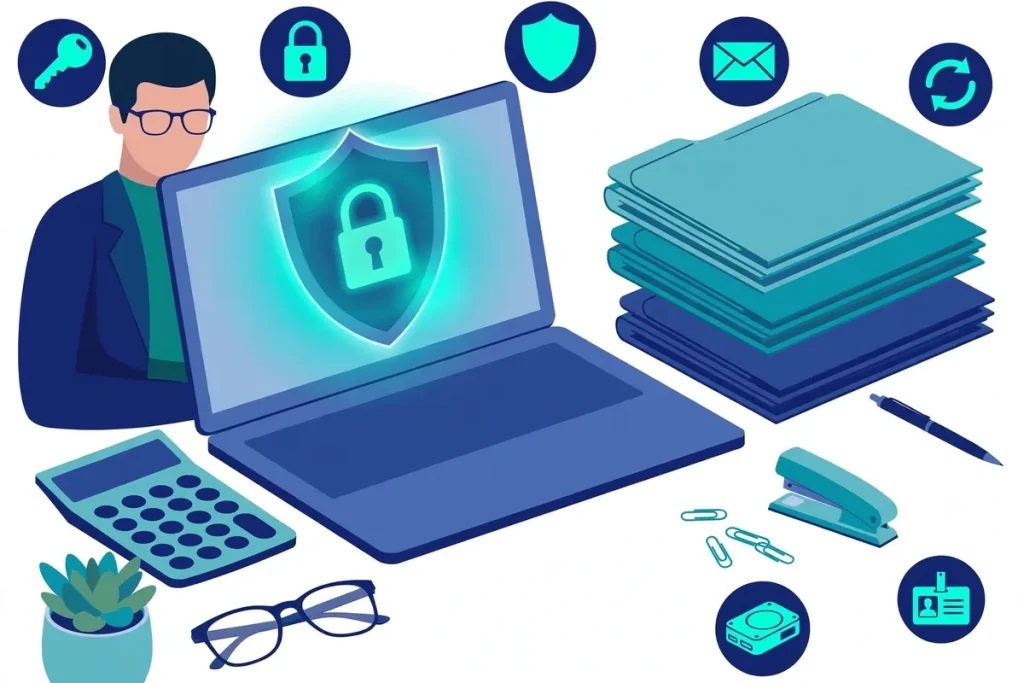
1. Multi-factor authentication (MFA) everywhere
2. A password manager for the whole firm
3. Phishing training that actually works
4. Keep software updated — automatically
5. Encrypt client data, in transit and at rest
6. Back up — and test the restore
7. Limit access to what each person needs
8. Secure email: SPF, DKIM, and DMARC
What to do if you are hacked
Your first-week checklist
Frequently asked questions
Yes. Attackers target small firms precisely because they hold valuable data and often have weaker defenses. The controls above are the same ones the IRS and FTC expect, regardless of firm size.
Most of it is free or cheap: MFA, automatic updates, disk encryption, and SPF/DKIM/DMARC cost nothing. A business password manager and a backup service are typically a few dollars per user per month. See our guide to cybersecurity costs for CPA firms.
A Written Information Security Plan is a document describing how your firm protects client data. The IRS expects tax preparers to have one, and the FTC Safeguards Rule requires a written information security program. Our WISP guide includes a free template.
No. Antivirus is one layer, but it cannot stop phishing, stolen passwords, or unpatched software. You need MFA, updates, backups, and training together.
Turn on multi-factor authentication for your email. Email is the key to password resets for almost every other system — securing it first gives you the biggest protection for the least effort.Conclusion