Introduction
Every day, accounting firms send and receive the most sensitive documents in existence: tax returns with Social Security numbers, bank statements, payroll records, and financial statements. And every day, too many of those documents travel by plain email — unencrypted, easily intercepted, and impossible to recall once sent.
This guide explains how to share client documents securely: what to use, what to stop using, and how to move your clients to a safer method without losing them.
Why plain email is not safe for client documents
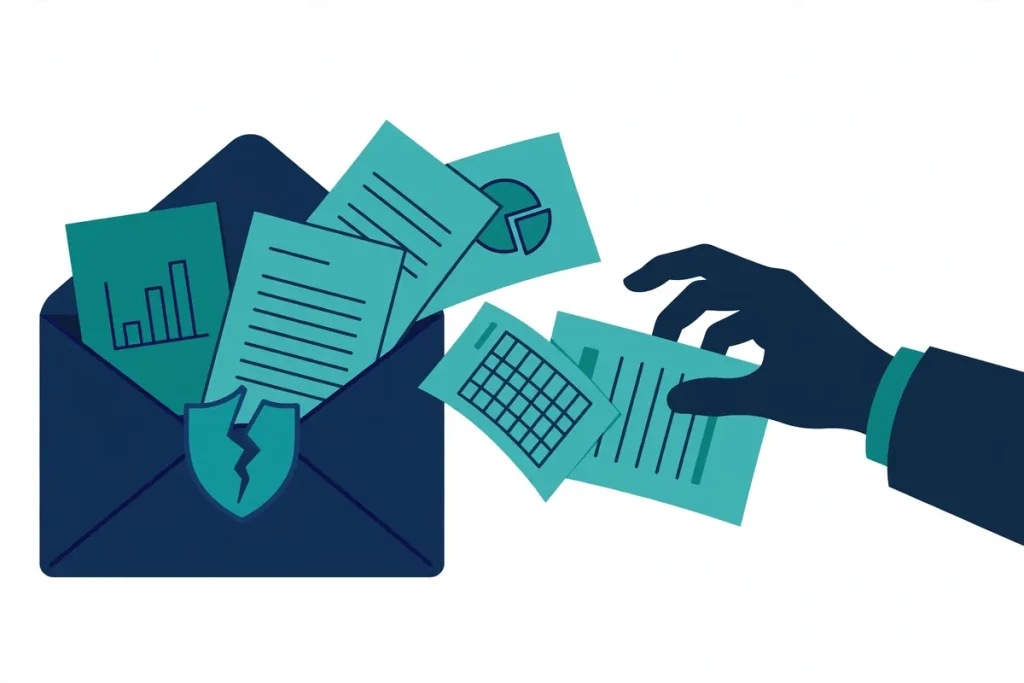
- Email is not end-to-end encrypted by default. Most major providers encrypt email in transit (TLS), but a tax return sent by ordinary email can still be read if the recipient’s mailbox is hacked or the message sits on a compromised mail server. Use your client portal for sensitive documents instead.
- Email lives forever. Once sent, a document sits in sent folders, inboxes, and backups on both sides, for years. You cannot recall it, and you cannot control who later accesses it.
- Email is the easiest thing to get wrong. Autocomplete sends tax returns to the wrong person more often than anyone admits. One wrong click, and a client’s entire financial life is in a stranger’s inbox.
- Email is the attacker’s favorite target. A hacked mailbox gives an attacker years of client documents at once. If your clients’ documents are in your email, your email is the target.
The right answer: a secure client portal
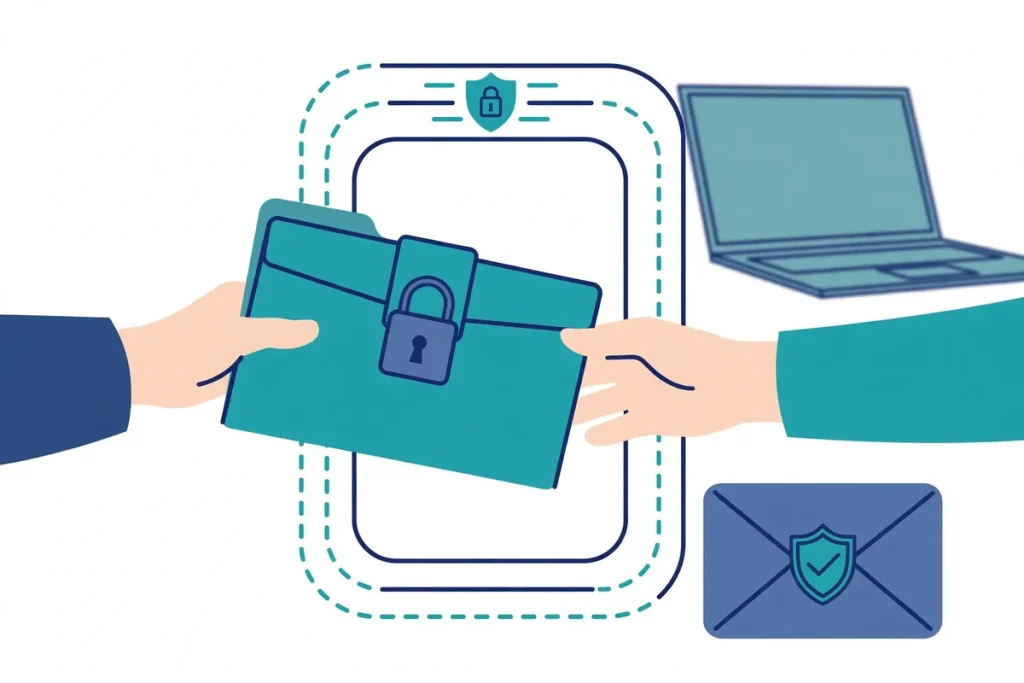
A client portal is a secure website where clients upload documents and download finished returns, with a login and encryption. It is the standard for accounting firms, and the IRS expects tax preparers to use secure methods for handling client data.
What to look for in a portal:
- Encryption — in transit and at rest, so documents are protected both when sent and when stored
- Individual logins — every client has their own account, with MFA available
- Access controls — staff only see the clients they work on
- Audit trail — a record of who uploaded, downloaded, and viewed each document
- Automatic expiry — documents are not kept longer than needed
- Ease of use — if clients find it hard, they will go back to email. The portal must be simpler than attaching a file to an email, or it will fail.
Many tax software packages and practice management tools include a portal. If yours does, use it — do not buy a separate one until you have tried the one you already own.
If you do not have a portal yet: encrypted file sharing
Until a portal is in place, use an encrypted file-sharing service rather than plain email:
- Share a link, not a file. Upload the document to a secure sharing service and send the client a link that expires after a few days and requires a password or a login.
- Use a service with encryption — for example, the secure sharing in Microsoft 365 / Google Workspace, or a dedicated service such as ShareFile or SmartVault (both built for accounting firms).
- Never send the password and the link in the same message. Send the link by email and the password by phone or text — so intercepting one message is not enough.
- Set expiry dates. A link that works forever is a document that can be found forever. Set links to expire in 7 days, and revoke them once the client has downloaded the file.
What to stop doing
- Stop emailing tax returns as attachments. This is the single biggest change. Move returns, workpapers, and anything with a Social Security number or bank details to the portal or encrypted sharing.
- Stop using personal email for client work. Client documents in a personal Gmail or Yahoo account are outside the firm’s control, outside its backups, and outside its security.
- Stop using USB drives. A drive left in a taxi or plugged into a home computer is a breach waiting to happen. Use the portal instead.
- Stop sharing passwords for documents by email. If a document is password-protected, send the password through a different channel.
- Stop keeping documents longer than needed. Old client files are a liability. Follow your retention schedule, then delete securely.
Moving clients to the portal
Clients will use the portal if you make it easy. They will resist if you do not.
- Introduce it as a benefit, not a burden. “We have moved to a secure portal to protect your information — it is safer than email, and your documents are always available to you there.”
- Send a simple guide — one page, with screenshots, showing how to log in, upload, and download. Most clients need it once.
- Help the first time. Walk the first few clients through it by phone. After that, they will manage on their own.
- Keep email for conversation, not documents. Clients can still email you questions — they just send documents through the portal. That distinction is easy to understand and easy to follow.
- Be patient, but firm. A few clients will keep emailing documents. Reply with the portal link and a friendly reminder, every time. Within a tax season, most will have switched.
Secure sharing checklist
- ☐ Client portal in place, with individual logins and MFA available
- ☐ No tax returns or documents with Social Security numbers sent by plain email
- ☐ Encrypted sharing used for anything that cannot go through the portal
- ☐ Links expire in 7 days and are revoked after download
- ☐ Passwords sent through a different channel from the document
- ☐ Staff trained on the portal and the no-email-attachments rule
- ☐ Clients given a one-page portal guide
- ☐ Old documents deleted on schedule, not kept indefinitely
Frequently asked questions
Is a password-protected PDF safe to email?
Safer than an unprotected one, but not safe enough on its own. PDF passwords are weak, the password often travels in the same email, and the file still sits in inboxes forever. Use the portal instead.
What if a client insists on email?
Explain the risk, offer to walk them through the portal, and document the conversation. If a client truly cannot use the portal, use encrypted sharing with an expiring link rather than an attachment — and keep a record that you offered the secure option.
Is our tax software’s portal secure enough?
Usually, yes — if you have turned on MFA, limited staff access, and kept the software updated. Check that the portal encrypts data and keeps an audit trail. If it does not, consider a dedicated portal.
What about documents clients send us by email?
Ask them to use the portal. When a document arrives by email anyway, move it to the portal or your secure storage immediately, then delete it from the email — do not leave it sitting in an inbox.
Does secure sharing cost extra?
Often not — many tax and practice management tools include a portal, and Microsoft 365 / Google Workspace include secure sharing. A dedicated portal such as ShareFile or SmartVault costs extra, but far less than a breach caused by an emailed tax return.
Sources: IRS Publication 4557, Safeguarding Taxpayer Data, IRS: Data theft information for tax professionals.
Conclusion
Client documents are the most valuable thing your firm holds. Sending them by plain email is like sending cash through the post — it usually arrives, until the day it does not.
Move documents to a secure portal, use encrypted sharing for the exceptions, and stop emailing attachments with Social Security numbers. Your clients will thank you for protecting them, and your firm will be safer for it.
Disclaimer: This article is general information, not legal advice. Check your professional obligations for client data handling and consult a qualified professional for your firm’s specific requirements.

Muhammad Waseem is the founder of Cybersecurity for Accountants. He researches IRS and FTC guidance and turns it into practical, plain-English checklists and guides to help small accounting and tax firms protect their clients’ data.