Introduction
Most accounting firm breaches do not start with a hacker breaking through a firewall. They start with one person, on one busy day, clicking one convincing email.
Phishing is the number one attack against accounting firms — and it works because tax season makes people click fast. This guide explains how phishing targets firms like yours, the specific scams to watch for, and the training and controls that actually stop it.
What phishing is — and why firms fall for it
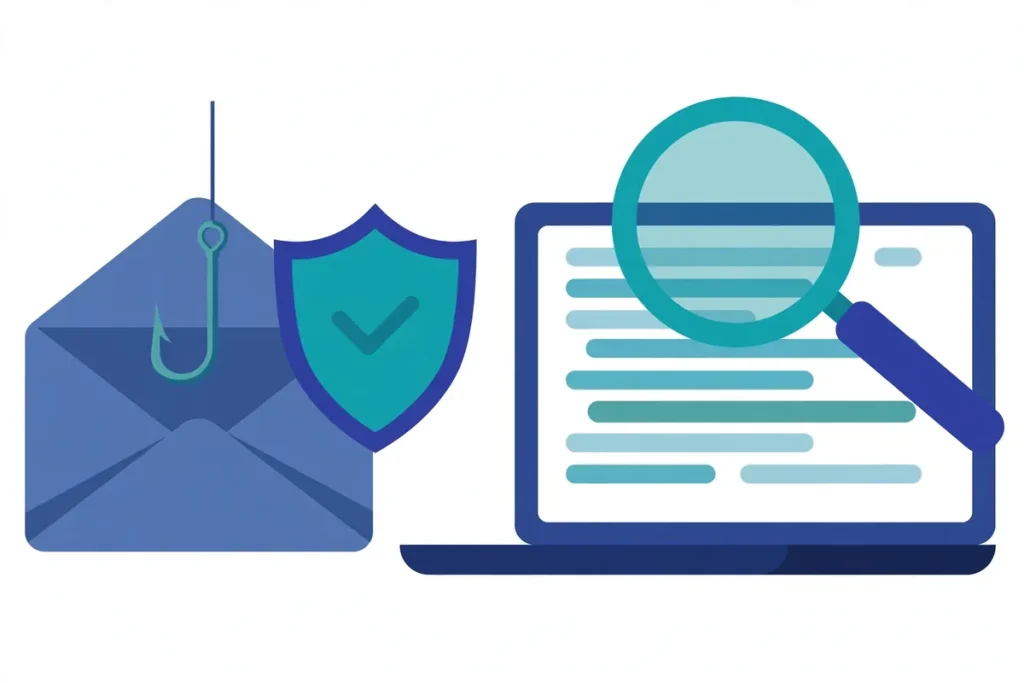
Phishing is a fake email, text, or message designed to trick someone into clicking a link, opening an attachment, or handing over a password. The message pretends to be from someone trusted: the IRS, a client, your tax software vendor, a colleague, or a bank.
It works on accounting firms for three reasons:
- You handle sensitive data every day, so a “client document” attachment looks normal
- Tax season creates urgency — deadlines make people click before they think
- Your email address is public — it is on your website, your signature, and every client email
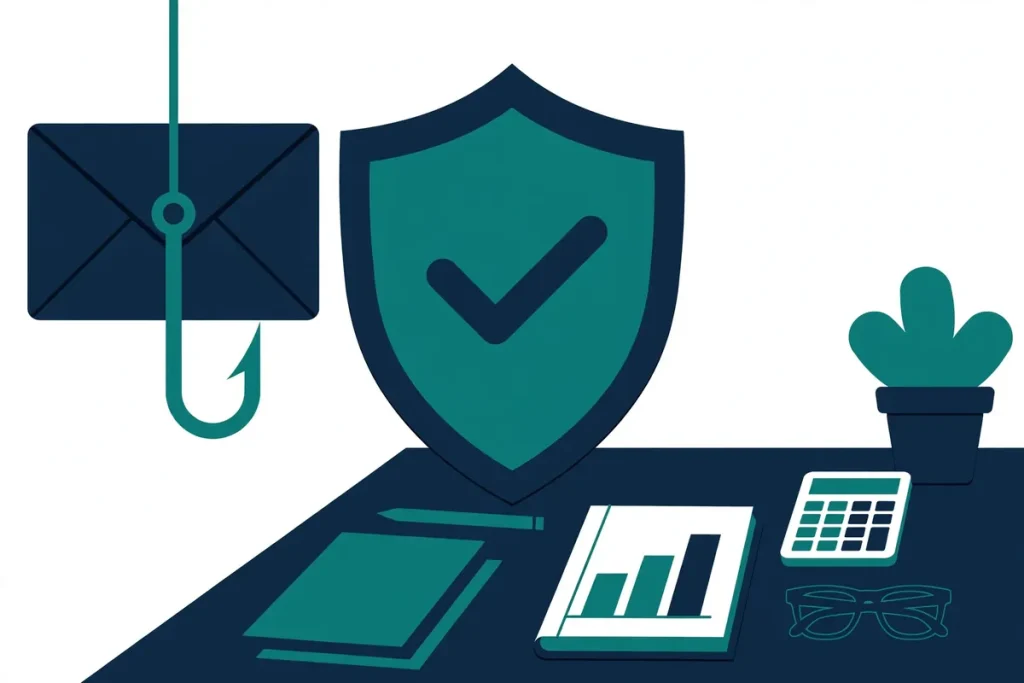
The 6 phishing scams that target accounting firms
1. Fake IRS emails
“Your tax return was rejected”, “You owe a penalty — pay now”, “Verify your EFIN”. The IRS does not email preparers or taxpayers to demand payment or threaten arrest. Any such email is fake.
2. Fake client emails
An email that looks like it is from a client, with an attachment labeled “tax documents” or “W-2s”. The attachment is malware. Worse: the email may really come from the client’s account — because the client’s account was hijacked first. Verify unexpected attachments by phone before opening them.
3. Fake tax software updates
“Your tax software needs an urgent update — click here to download.” The link installs malware. Only update software from the vendor’s own site or app, never from an email link.
4. Business email compromise (BEC)
A criminal impersonates the firm owner or a senior partner and emails a junior staff member: “Send me the client list”, “Wire this payment urgently, I’m in a meeting”. The email address looks almost right — one letter different. The defense: verify any unusual financial or data request by phone, on a number you already have.
5. Fake invoice and payment emails
An email claiming to be from a vendor or a client, with an invoice attached or new bank details for payment. Verify bank detail changes by phone before paying anything.
6. Fake e-file and portal messages
“Your e-file was rejected — log in to fix it.” The link goes to a fake login page that steals the preparer’s password. Always navigate to the portal yourself; never log in through an email link.
How to spot a phishing email in 10 seconds
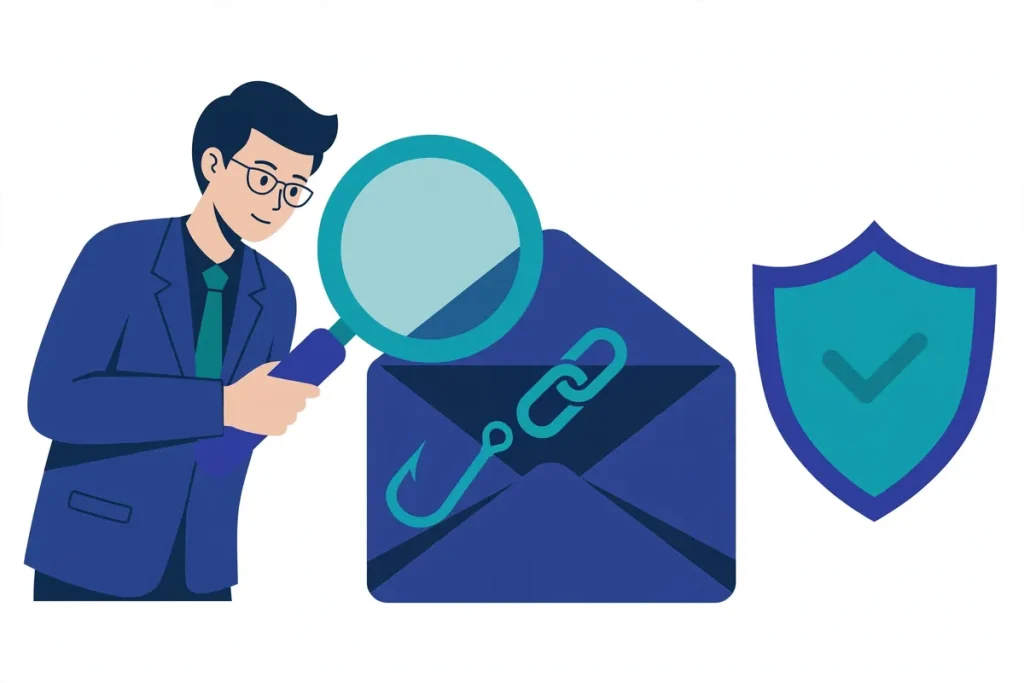
Teach every staff member this check:
- Check the sender’s real address — not the display name.
irs-support.comis not the IRS. A misspelled domain is a red flag. - Hover over links before clicking — the real destination shows at the bottom of the screen. If it does not match what the email claims, do not click.
- Look for urgency and threats — “Act now or your account will be closed”, “Immediate payment required”. Urgency is the attacker’s favorite tool.
- Unexpected attachments are guilty until proven innocent — even from a known sender. Call the sender first.
- Bad grammar and odd formatting — not always present in modern phishing, but still a useful signal.
- Requests for passwords or codes — no legitimate service asks for your password or MFA code by email. Never share an MFA code with anyone.
Training that actually works
Most phishing training fails because it is a once-a-year video nobody watches. What works:
- Short, regular sessions — 15 minutes a month beats 2 hours a year. Use real examples from the scams above.
- Phishing simulations — send the team a safe fake phishing email and see who clicks. Do it kindly: the point is learning, not shaming. Repeat it quarterly and watch the click rate fall.
- A clear reporting rule — anyone who spots a suspicious email reports it to one named person (or a shared inbox) with one click, and is thanked for it. If reporting is hard or punished, people will just delete the email — and the next one will get through.
- A pre-season refresher — run the full session in the two weeks before tax season, when the risk is highest.
Technical controls that catch what training misses
Training is essential, but it is not enough on its own. Add these:
- MFA everywhere — even if a password is stolen by phishing, MFA stops the login
- SPF, DKIM, and DMARC — stop criminals sending fake emails in your firm’s name, and help your real emails reach clients
- Email filtering — your email provider’s spam and phishing filters, kept on and up to date; consider an advanced filter if your provider offers one
- Link and attachment scanning — many email services can scan links and attachments before delivery; turn it on
- A password manager — staff who use generated passwords from a manager are far less likely to type a real password into a fake login page, because the manager will not fill it in on the wrong site
What to do when someone clicks
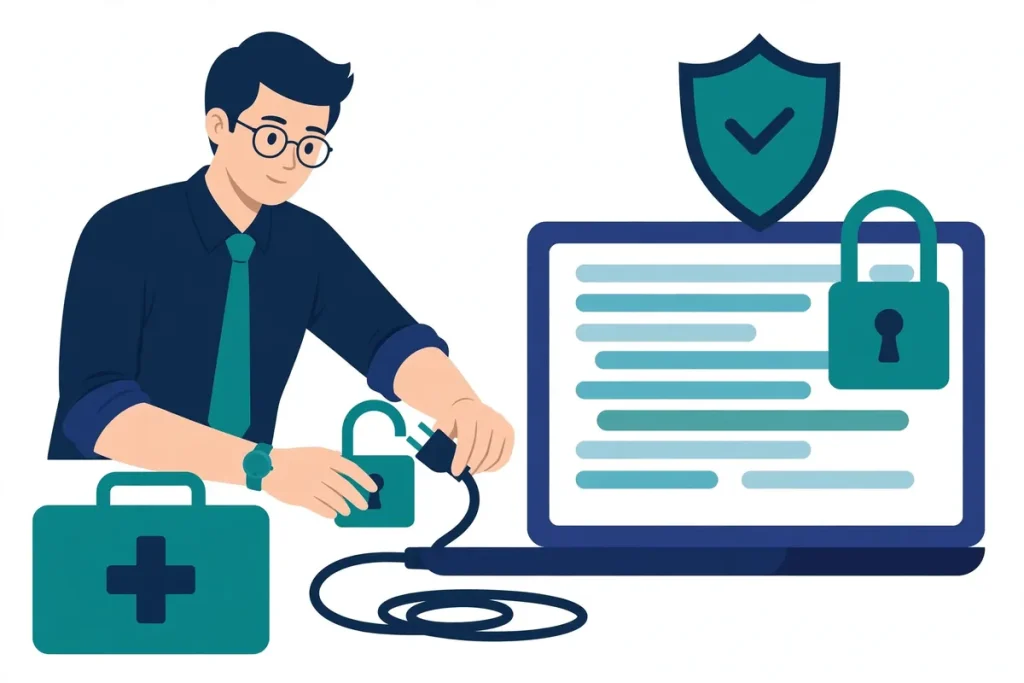
It will happen. What matters is speed, not blame:
- Disconnect the computer from the network immediately
- Change the password from a clean device, starting with email, and turn on MFA if it was off
- Tell your IT support and your security coordinator right away — do not wait to see if anything happens
- Check what was accessed — email rules, sent items, and recent logins
- Report the phishing email to your email provider and, for IRS impersonation, to phishing@irs.gov
- Record what happened and use it in the next training session (without naming the person)
A firm that reports a click in ten minutes is safe. A firm that hides it for a week is not.
Frequently asked questions
We have antivirus — does that stop phishing?
No. Antivirus catches some malicious attachments, but it cannot stop someone typing a password into a fake login page or sending client data to a criminal. MFA, training, and email authentication do that.
How often should we run phishing simulations?
Quarterly is a good rhythm, with an extra round before tax season. Track the click rate over time — it should fall steadily.
Should we punish staff who click in a simulation?
No. Punishment teaches people to hide mistakes. Thank them for the learning opportunity and give them a short refresher. The goal is fewer clicks next time, not fear.
What is the one thing that stops most phishing?
MFA. It does not stop the click, but it stops the criminal using what the click stole. Turn it on first, then train.
Sources: IRS: Report fake IRS, Treasury or tax-related emails and messages, FTC: How to recognize and avoid phishing scams.
Conclusion
Phishing will keep targeting accounting firms because it keeps working — but only where the basics are missing. A team that knows the six scams, checks senders and links, reports suspicious emails fast, and is protected by MFA and email authentication is a very hard target.
Run the training, turn on the technical controls, and make reporting easy. The next phishing email will still arrive. It just will not work.
Disclaimer: This article is general information, not legal advice. Report IRS impersonation phishing to phishing@irs.gov and check current IRS guidance for tax preparers.

Muhammad Waseem is the founder of Cybersecurity for Accountants. He researches IRS and FTC guidance and turns it into practical, plain-English checklists and guides to help small accounting and tax firms protect their clients’ data.