Introduction
Every computer in your firm needs antivirus, but not every antivirus fits an accounting firm. You need strong ransomware protection, a central dashboard so you can see every machine at a glance, and software that does not slow down tax software during the busiest weeks of the year.
This guide compares the five best options for small accounting firms in 2026 — based on vendor specifications, pricing, and published independent test results from AV-TEST and AV-Comparatives — and explains what actually matters when you choose.
Disclosure: This post contains affiliate links. If you buy through them, we may earn a commission at no extra cost to you.
What an accounting firm needs from antivirus
- Ransomware protection — the ability to stop encryption attacks and roll back affected files
- Central management — one dashboard for every computer, so you can see which machines are protected and which are behind on updates
- Low impact on performance — tax software is already heavy; antivirus that slows machines down will be switched off by frustrated staff
- Phishing and web protection — blocking malicious links and fake login pages, not just files
- Easy deployment — install on every machine in an afternoon, without an IT department
- Business support — help when something is flagged, not just a consumer helpline
The comparison
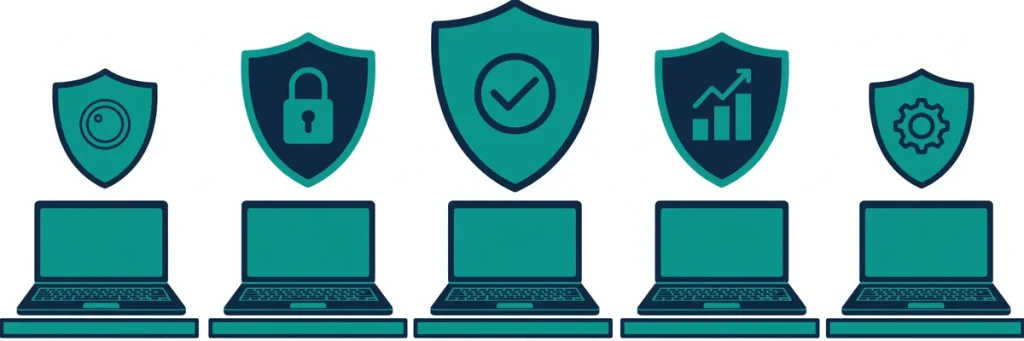
1. Bitdefender GravityZone Business Security — best overall
- Protection: consistently top-rated in independent tests, with strong ransomware remediation that can roll back encrypted files
- Management: a cloud console covering every machine, with policies, reports, and alerts in one place
- Performance: one of the lightest options in independent performance tests — important when tax software is running
- Best for: firms that want the strongest protection with the least fuss
- Watch out for: the full feature set sits on the higher business tiers; check which tier includes the ransomware and EDR features you want
2. Norton Small Business — best for firms that want everything in one place
- Protection: strong malware and ransomware detection, with a built-in firewall and VPN on some plans
- Management: a simple cloud dashboard designed for small businesses without IT staff
- Performance: solid, though heavier than Bitdefender on older machines
- Best for: very small firms that want one product covering antivirus, firewall, and VPN
- Watch out for: pricing rises noticeably after the first year on some plans — check the renewal price, not just the first-year offer
3. ESET PROTECT — best for firms that want control
- Protection: excellent detection rates with a long track record in business security
- Management: detailed policies and reporting, with on-premise or cloud management
- Performance: famously light — a good choice for older computers
- Best for: firms with someone comfortable managing security settings, or an IT helper
- Watch out for: the interface assumes more technical confidence than Norton’s or Bitdefender’s
4. Malwarebytes for Business — best as a second layer
- Protection: excellent at catching the threats traditional antivirus misses, especially ransomware and exploits
- Management: cloud console with endpoint detection and response on the higher plans
- Performance: light, and designed to run alongside another antivirus
- Best for: firms that want an extra layer on top of Microsoft Defender, or a strong anti-ransomware tool
- Watch out for: on its own it is not a complete replacement for a full antivirus suite — pair it, or use the full business platform
5. Microsoft Defender for Business — best value if you already use Microsoft 365
- Protection: built into Windows, with business-grade features (including EDR) on the Microsoft 365 Business Premium plan
- Management: managed through the Microsoft Defender portal, alongside your email and identity settings
- Performance: no extra software to install on Windows machines, and well optimised
- Best for: firms already on Microsoft 365 Business Premium — the antivirus is effectively included
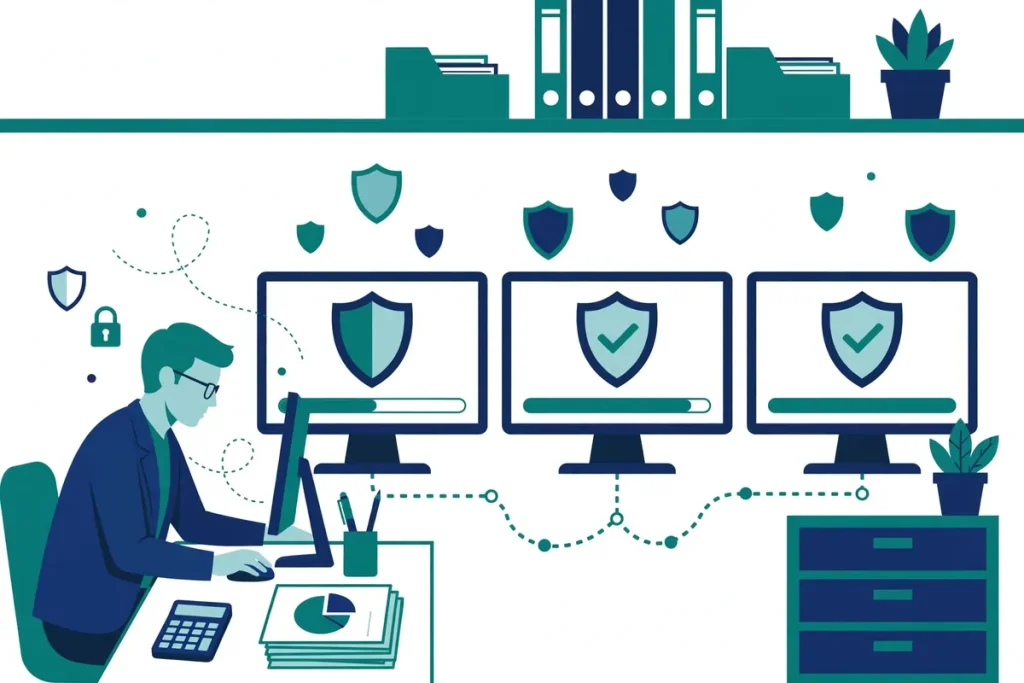
- Pick one product for every machine — mixed antivirus across the firm means gaps nobody can see
- Install from the central console — deploy to all machines in one go, rather than one by one
- Turn on ransomware protection and scheduled scans — a weekly full scan outside working hours
- Check the dashboard weekly — look for machines that are unprotected, out of date, or have unresolved threats
- Keep it on during tax season — never let anyone disable it “just to speed things up”
Quick comparison table
| Antivirus | Best for | Standout feature | Rough business price |
|---|---|---|---|
| Bitdefender GravityZone | Most firms | Ransomware rollback + light | ≈$39/device/yr ($38.50, Business Security) |
| Norton Small Business | Small firms, all-in-one | Firewall + VPN bundled | ≈$20–$40/device/yr ($59.99 first yr, renews $119.99, up to 3 employees) |
| ESET PROTECT | Control + older PCs | Very light, detailed policies | ≈$55/device/yr (PROTECT Core, $274.50/5 devices) |
| Malwarebytes Business | Second layer | Anti-ransomware + EDR | ≈$40/device/yr (Teams from $119.99/yr for 3 devices) |
| Microsoft Defender for Business | Microsoft 365 firms | Included with Business Premium | Included / low add-on |
Prices change often — verify the current business pricing on each vendor’s site before you buy.
Do you still need antivirus if you have Windows Defender?
The free Defender built into Windows is a real antivirus and far better than nothing. But the business version — Defender for Business — adds central management, EDR, and reporting that the free version lacks. If you use Windows and Microsoft 365, upgrading to the business version is the cheapest way to get properly managed protection. If you do not use Microsoft 365, a dedicated business antivirus (Bitdefender or ESET) is the better choice.
How to roll it out
Frequently asked questions
Is free antivirus enough for an accounting firm?
No. Free antivirus lacks central management, business reporting, and the ransomware features a firm needs — and you cannot see whether every machine is actually protected.
Can antivirus stop phishing?
Partly. Most business antivirus includes web protection that blocks known malicious links and fake login pages. But it cannot stop every phishing email — that is what MFA, training, and email authentication are for.
Will antivirus slow down QuickBooks and tax software?
A good business antivirus should not noticeably slow modern machines. Bitdefender and ESET are the lightest in independent tests. If machines feel slow, check for a scheduled scan running during work hours before blaming the antivirus.
How many devices do we need to cover?
Every work computer — including laptops staff take home — and any server you run. Phones are a lower priority, but cover them if your plan includes mobile protection.
Conclusion
For most accounting firms, Bitdefender GravityZone Business Security is the best pick: the strongest protection, the lightest footprint, and a console a non-technical owner can actually use. If your firm already runs Microsoft 365 Business Premium, Defender for Business is the best value — it is already there. And if you want an extra layer, Malwarebytes for Business on top of either is a strong combination.
Whichever you choose, the rule is the same: one product, every machine, always on, dashboard checked weekly.
Disclaimer: This article is general information, not legal advice, and pricing is approximate — verify current business pricing and features on each vendor’s website before purchasing.

Muhammad Waseem is the founder of Cybersecurity for Accountants. He researches IRS and FTC guidance and turns it into practical, plain-English checklists and guides to help small accounting and tax firms protect their clients’ data.