Introduction
No single product secures an accounting firm. Security is a stack — a small set of tools that each cover a different risk, working together. Buy the wrong combination and you pay twice for the same protection while leaving a gap nobody notices.
This guide lays out the complete cybersecurity stack for a small CPA firm in 2026: what each layer does, the best tool for it, and what to skip.
Disclosure: This post contains affiliate links. If you buy through them, we may earn a commission at no extra cost to you.
The stack at a glance
| Layer | What it protects | Best pick | Rough cost |
|---|---|---|---|
| Password manager | Passwords and logins | 1Password Business | ≈$108/user/yr ($8.99/user/mo) |
| MFA | Account takeover | Authenticator app (Microsoft / Google) | Free |
| Antivirus + EDR | Malware and ransomware | Bitdefender GravityZone Business Security Premium | ≈$88/device/yr (base Business Security $38.50 without EDR) |
| Email security | Phishing and impersonation | SPF/DKIM/DMARC + Microsoft 365 Defender | Free / included |
| Backup | Data loss and ransomware | Cloud backup + local drive | $50–$100/user/yr |
| VPN | Public Wi-Fi | Built into some antivirus, or a standalone VPN | $50–$100/user/yr |
| Training | Human error | Phishing simulation + annual training | Free to $200/yr |
Layer 1: Password manager — 1Password Business
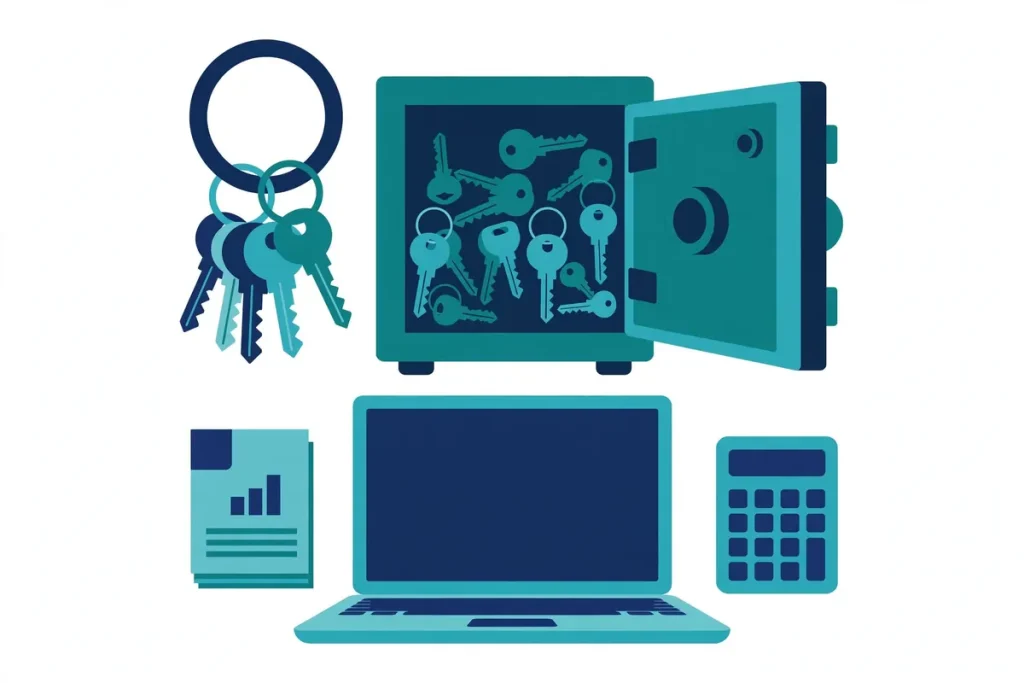
Every account gets a unique, strong password, and nobody has to remember any of them. 1Password Business is the best fit for accounting firms: shared vaults per team or client, admin controls to revoke access the day someone leaves, and travel mode for staff who cross borders with client data.
Alternatives: Bitwarden (excellent, cheaper, open source) and Dashlane (strong, simpler interface). The best password manager is the one the whole firm actually uses — pick one, deploy it to everyone, and make it the only place passwords live.
Layer 2: MFA — an authenticator app
MFA is free and it is the single most effective control against account takeover. Use an authenticator app (Microsoft Authenticator or Google Authenticator) rather than SMS, which can be intercepted. Turn it on for email, tax software, QuickBooks, cloud storage, and banking — every account that offers it.
Layer 3: Antivirus + EDR — Bitdefender GravityZone Business Security Premium
Bitdefender is the best overall pick for accounting firms: consistently top-rated protection, strong ransomware remediation that can roll back encrypted files, a cloud console covering every machine, and one of the lightest footprints in independent tests — important when tax software is already heavy. It costs ≈$88/device/yr (Business Security Premium — the tier with full EDR; the base Business Security tier is $38.50/device/yr without full EDR).
If your firm already runs Microsoft 365 Business Premium, Defender for Business is the best value — it is effectively included, with EDR and central management. Do not buy a second antivirus on top of it.
See our full comparison: Best Antivirus for Accountants.
Layer 4: Email security — SPF, DKIM, DMARC + Defender
Email security is two parts. First, the free DNS records — SPF, DKIM, and DMARC — that stop criminals impersonating your firm’s domain. Second, the email protection in your existing platform: Microsoft 365 Defender or Google Workspace’s built-in phishing protection, which blocks malicious links and attachments before they reach the inbox.
No extra purchase is usually needed here. Set up the three records, turn on the built-in protection, and move DMARC to reject.
Layer 5: Backup — cloud backup + local drive
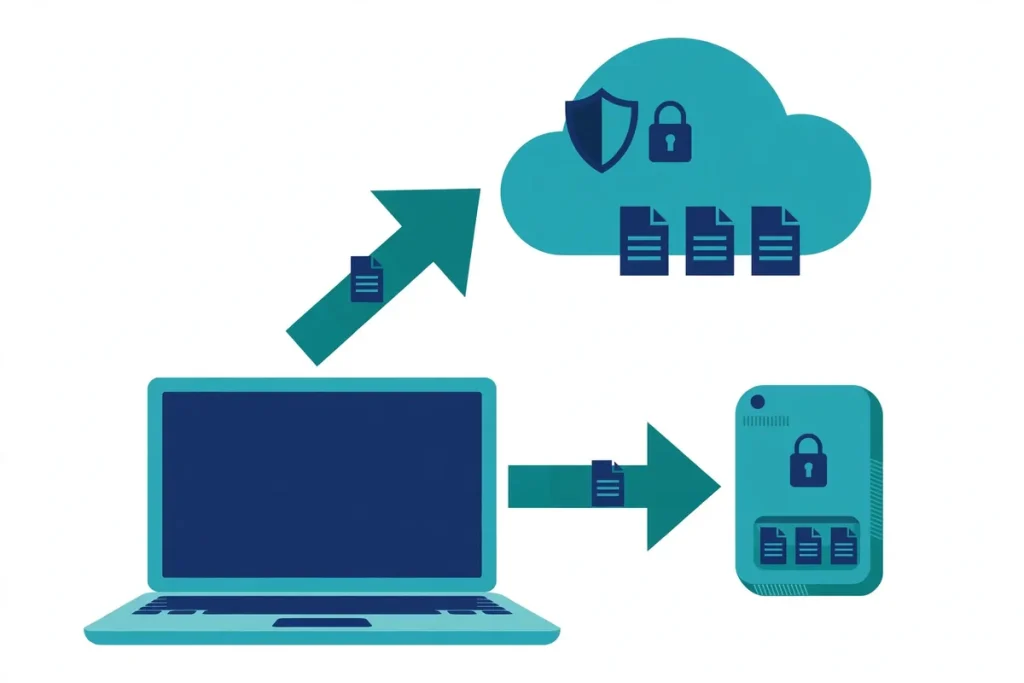
A cloud backup service (for example, a dedicated service such as Backblaze or Carbonite) gives you automatic, offsite, encrypted backup. Pair it with a local external drive for fast restores of a single deleted file, and keep one copy offline so ransomware cannot reach it. Note: Microsoft 365 Backup is a paid add-on; the built-in OneDrive/Google Drive file sync is not a backup.
The 3-2-1 rule: 3 copies, 2 media types, 1 offsite. Test a restore quarterly.
Layer 6: VPN — only if you need it
A VPN matters if staff regularly work on public Wi-Fi — in hotels, airports, and client offices. Many business antivirus plans include a VPN; check before buying a standalone one. If everyone works from the office or home, a VPN is a lower priority than the layers above.
Layer 7: Training — phishing simulation + annual session
Technology cannot stop a person from clicking a convincing email. Training does: an annual team session, quarterly fifteen-minute refreshers, a phishing simulation every few months, and a January refresher before tax season. Free resources from the IRS and FTC cover the content; affordable simulation tools exist if you want automation.
What to skip
- A second antivirus on top of Defender — one product per machine, or they fight each other
- A consumer password manager for a business — you need admin controls and the ability to revoke access
- An expensive security suite that duplicates what you own — check what Microsoft 365 or Google Workspace already includes before buying
- Any tool nobody will use — the best stack is the one the firm actually runs, not the one with the longest feature list
Putting the stack together — a 2-week plan
- Week 1, day 1–2: MFA on email and all key accounts; password manager deployed to everyone
- Week 1, day 3–4: business antivirus on every machine; SPF, DKIM, and DMARC set up
- Week 2, day 1–2: cloud backup configured and first backup confirmed; local drive connected
- Week 2, day 3–5: training session for the whole firm; WISP updated with the tools and who manages them
Two weeks, and the firm is covered end to end.
Frequently asked questions
Do we need all seven layers?
Most firms need most of them — each layer covers a risk the others miss. The one exception is the VPN (Layer 6): you only need it if staff regularly work remotely or on public Wi-Fi.
What if we already use Microsoft 365?
You may already own several layers: Defender for Business (antivirus + EDR), email protection, and backup features. Audit what your plan includes before buying anything else — you may only need a password manager and a backup service to complete the stack.
What is EDR, and do we need it?
Endpoint Detection and Response (EDR) watches for suspicious behavior on a computer — not just known malware — and can isolate a machine automatically. For a firm holding client financial data, business antivirus with EDR (Bitdefender GravityZone or Defender for Business) is worth having.
How often should we review the stack?
Once a year, and whenever something changes — a new tool, a new staff member, a new client portal. Check that every layer is still on, still updated, and still covering every machine.
Sources: Bitdefender GravityZone Business Security, 1Password Business, Microsoft Defender for Business.
Conclusion
The best cybersecurity software for a CPA firm is not one product. It is a small, deliberate stack: a password manager, MFA, business antivirus, email authentication, cloud backup, and training — each covering the risk the others cannot.
Build it in two weeks, review it once a year, and your firm will be better protected than most firms twice its size — for roughly the cost of one lost client.
Disclaimer: This article is general information, not legal advice, and pricing is approximate — verify current pricing and features on each vendor’s website before purchasing.

Muhammad Waseem is the founder of Cybersecurity for Accountants. He researches IRS and FTC guidance and turns it into practical, plain-English checklists and guides to help small accounting and tax firms protect their clients’ data.